
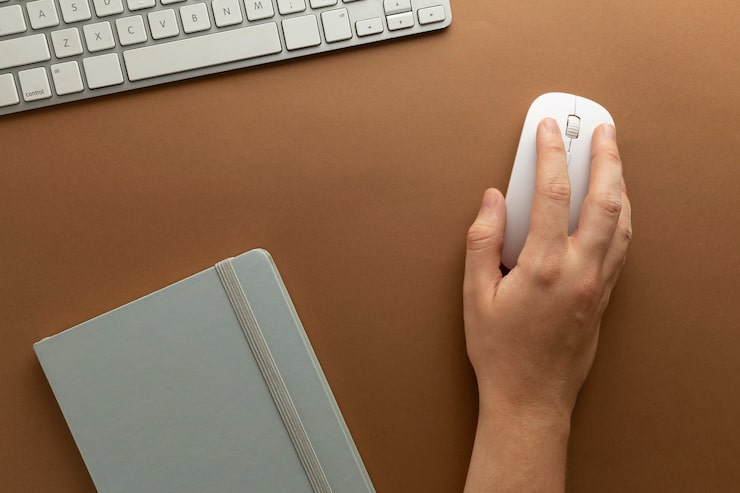
It’s easy to overlook the humble computer mouse, but the right one can make a real difference to your comfort, accuracy, and productivity — while the wrong one can lead to hand fatigue or even repetitive strain injury over time. With so many options on the market, here’s what to consider before you buy your next mouse.
Wired vs Wireless
Wired mice remain popular for their reliability and zero input lag, making them a favourite among competitive gamers and anyone who wants one less thing to charge. Wireless mice, connecting via Bluetooth or a USB receiver, offer greater freedom of movement and a tidier desk, and modern wireless technology has closed the performance gap significantly, with many gaming-grade wireless mice now matching wired responsiveness. The trade-off is battery management, though most wireless mice today offer weeks or even months of use per charge.
Types of Computer Mice
- Standard office mice: Simple, comfortable, and affordable, designed for everyday browsing, emails, and document work.
- Gaming mice: Feature higher precision sensors, adjustable DPI (dots per inch) settings, programmable buttons, and often customisable RGB lighting.
- Ergonomic mice: Shaped to reduce strain on the wrist and forearm, including vertical mice that keep the hand in a more natural handshake position — worth considering if you spend long hours at a computer or experience wrist discomfort.
- Trackball mice: Keep the mouse body stationary while you move a ball with your thumb or fingers, reducing arm movement and desk space requirements.
- Compact/travel mice: Smaller and lighter, designed for portability with laptops.
Understanding DPI and Sensor Quality
DPI measures how sensitive the mouse is to movement — a higher DPI means the cursor moves further on screen for the same physical movement of the mouse. Office users rarely need more than 1,000-1,600 DPI, while gamers, particularly those playing fast-paced titles, often prefer adjustable DPI settings so they can switch between precise aiming and quick, sweeping movements. Sensor quality matters just as much as the DPI number itself — a well-tuned sensor tracks movement accurately and consistently, avoiding the jumpy or inconsistent cursor movement associated with cheaper mice.
Comfort and Grip Style
How you hold a mouse affects which shape suits you best:
- Palm grip: The whole hand rests on the mouse, suiting larger, more rounded designs.
- Claw grip: The fingers arch, with only the fingertips and palm base touching the mouse, suiting mice with a more defined hump and steeper sides.
- Fingertip grip: Only the fingertips make contact, favouring smaller, lighter mice for quick, precise movements.
Trying a mouse in person, where possible, is the best way to judge comfort, though many UK retailers offer generous return policies if a mouse doesn’t suit your hand.
Buttons and Extra Features
Beyond the standard left and right click, many mice include a scroll wheel click, forward/back buttons for browsing, and on gaming models, several additional programmable buttons for macros or quick settings changes. Some mice also offer adjustable weights, allowing you to fine-tune the feel to your preference, and onboard memory to save your settings across different computers.
Matching a Mouse to Your Use Case
For general office and browsing use, a comfortable wireless mouse with basic customisation is more than sufficient. Gamers should look for a high-quality optical sensor, adjustable DPI, and low latency, whether wired or a premium wireless model. Anyone who experiences wrist or hand discomfort should seriously consider an ergonomic or vertical mouse, which can make a noticeable difference over long working sessions. Designers and creative professionals working with detailed graphics may benefit from a mouse offering precise tracking and customisable buttons for shortcuts.
Final Thoughts
The right computer mouse is a small investment that pays off in daily comfort and efficiency. Rather than defaulting to whatever comes bundled with your PC, take a moment to consider how you actually use your computer, and choose a mouse shape, connection type, and feature set that genuinely fits your needs.